
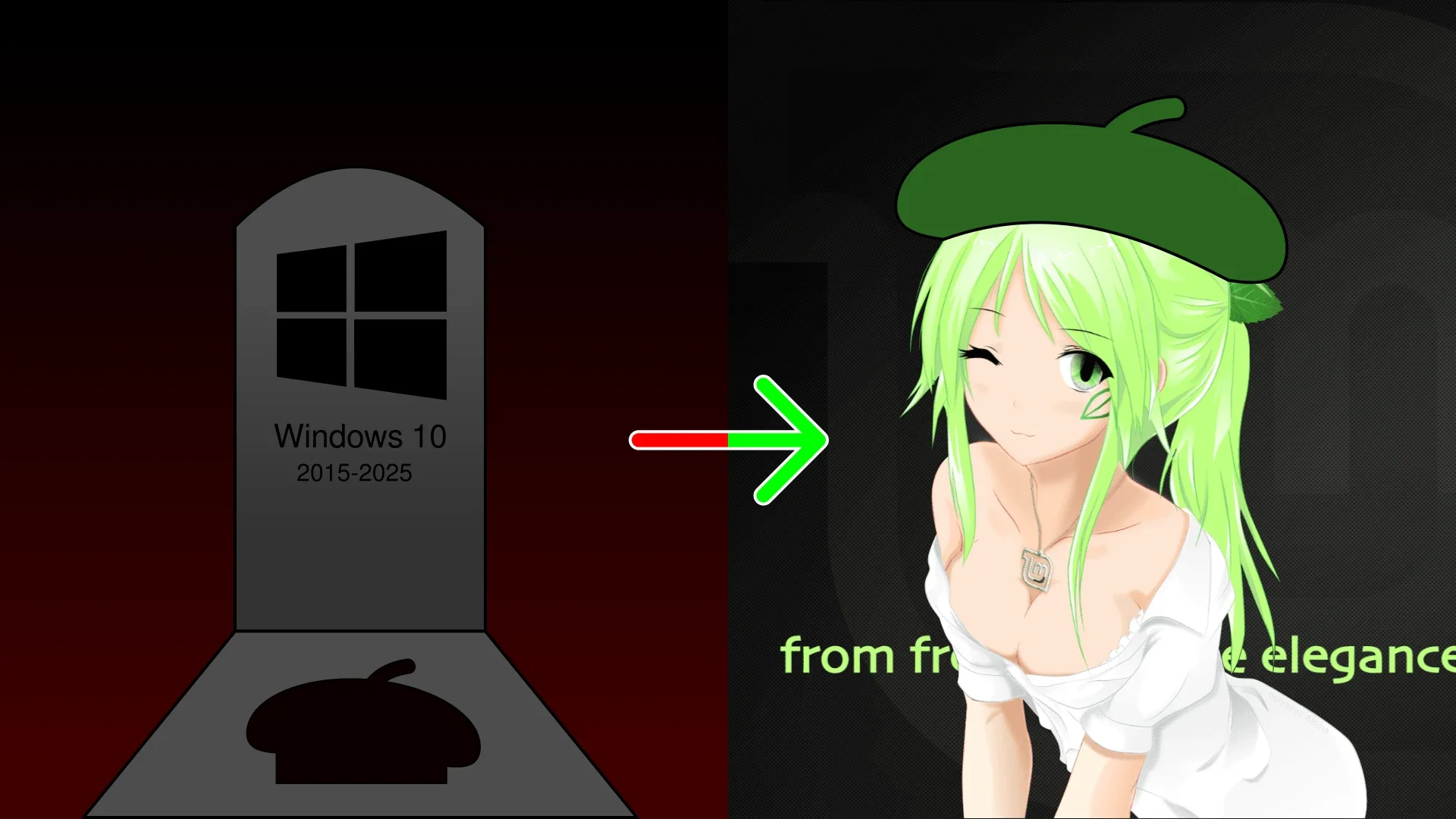
Ayo! With the death of Windows 10, Microsoft’s increasingly abusive treatment of Windows users, and more than a year of incentive from yours truly, a great friend decided to finally move away from the claws of a Corporation and use Linux on his PC. YAY! But there’s a catch: he is an artist, that needs a specific software he bought for work – along two specific functions on a certain drawing tablet. Well … CHALLENGE ACCEPTED!
On this series of articles I’ll try to tell this tale of this migration, combining informative step-by-steps with a humorous spin, by showing what was easy, what went wrong and how my friend’s unbelievable Bad Luck went beyond logic, reason, probability, my technical expertise, and even time and space themselves.
Art on Linux
From the Start
The very first step to begin on Linux is the same that anime and games already taught you: choose your waifu! Here on the boring computer world, you choose a Distribution (distro for the intimate), a complete system ready to install on your machine. But which one should you go for? While you could use some complex setup to have your own Linux harem, Gacha style, since both my friend is are simple person wanting a humble PC that just works he’ll stay monogamous, so the chosen distro is Linux Mint. Lets go Mint-chan!
Meeting Mint-chan
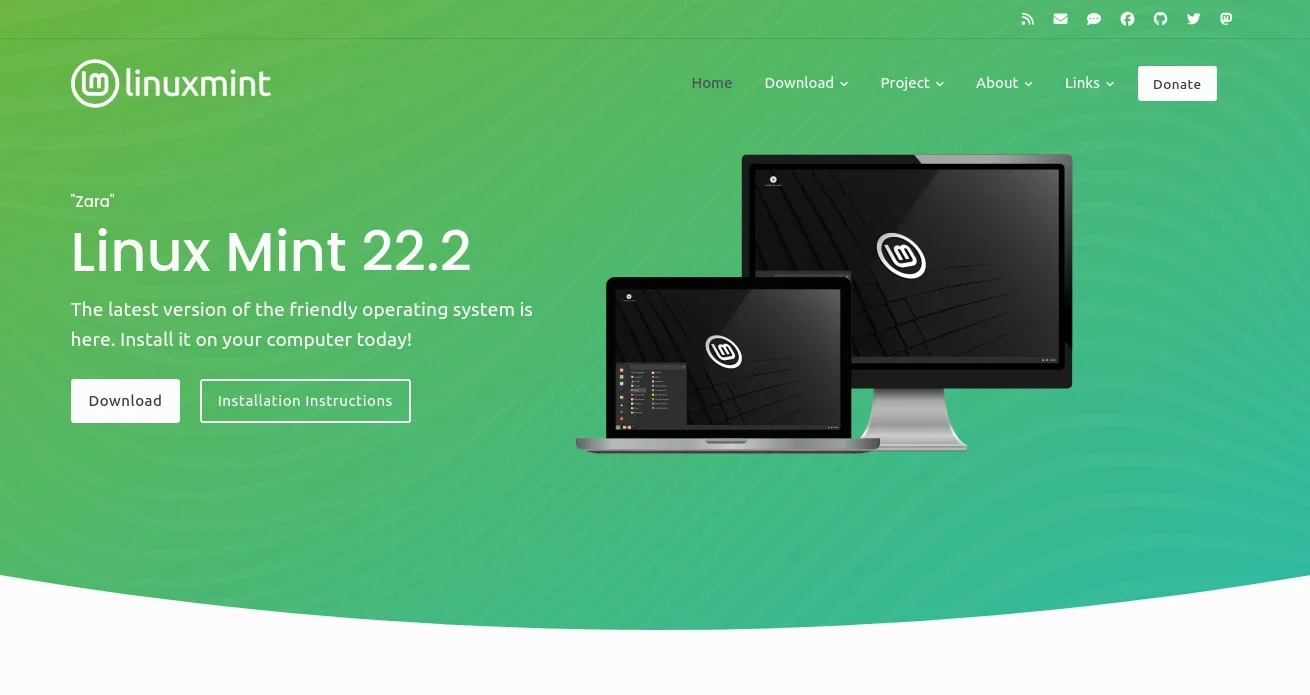
The first step to have a girlfriend is to actually meet her, and the same is true for a distro. So, after all the encouragement needed to get him confident, the first thing was directing my good friend to meet her on Linux Mint’s website. As you can see on the image above, Mint-chan was glad to let him go out with her (Download) and know her better (Installation Instructions).
But this waifu has a whim: he must choose a preferred outfit for her, Desktop Environment in the lame nerd jargon, for their first date! He ended up following my friendly advice: Cinnamon is always great. Since he was coming from a recent abusive relation with Windows, having something familiar would make the change easier.
Having committed to a distro waifu, of course the next step is to go on date with her! To do that with distros, you need to nerd-up and download her ISO file to your PC. After waiting about an hour waiting for Mint-chan to get dressed-up (downloading the ISO in nerd speech) everything seemed ready…
Bad ride at the Flash-drive
After arranging a date with a girl, a gentlemen will kindly take her to the location both agreed to go, usually in a vehicle. For distros the place is your computer, and the vehicle used is a USB flash-drive. Expert users are like an seasoned driver on this situation, they can just take the waifu for the date by themselves, but novices will need someone to drive them.
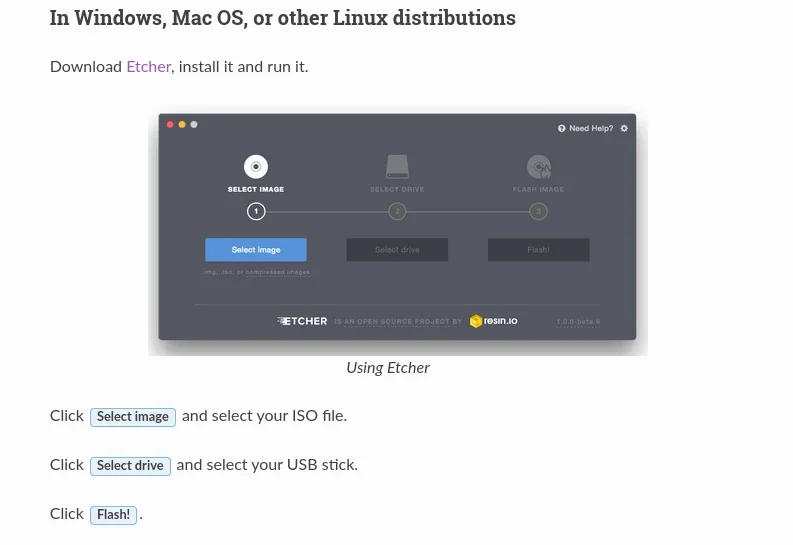
Being a forward-thinking waifu, in her “Installation Guide” Mint-chan already recommends a very well rated private driver for you: Mr Etcher. As you can see in the image above, Etcher-kun is a very straight-forward business man: once you contract his service, by installing the application on your PC, just bring the distro and choose a ride, so he will take care of all the complicated stuff.
And when everything looked nice and easy, my friend’s Cosmic Bad-Luck kicked in! The installation was simple and easy, Etcher-kun was ready to go, but the chosen first attempt failed because the vehicle (flash-drive) was too small – even though the specs said it was fine. What can I say, Mint-chan is thicc! After getting a bigger flash-drive, the second try quickly failed on the last step: writing the distro in the drive. But no one was willing to give up! After cleaning the drive, things went well on the final attempt – proving that third time is the charm.
The trolling Doorman
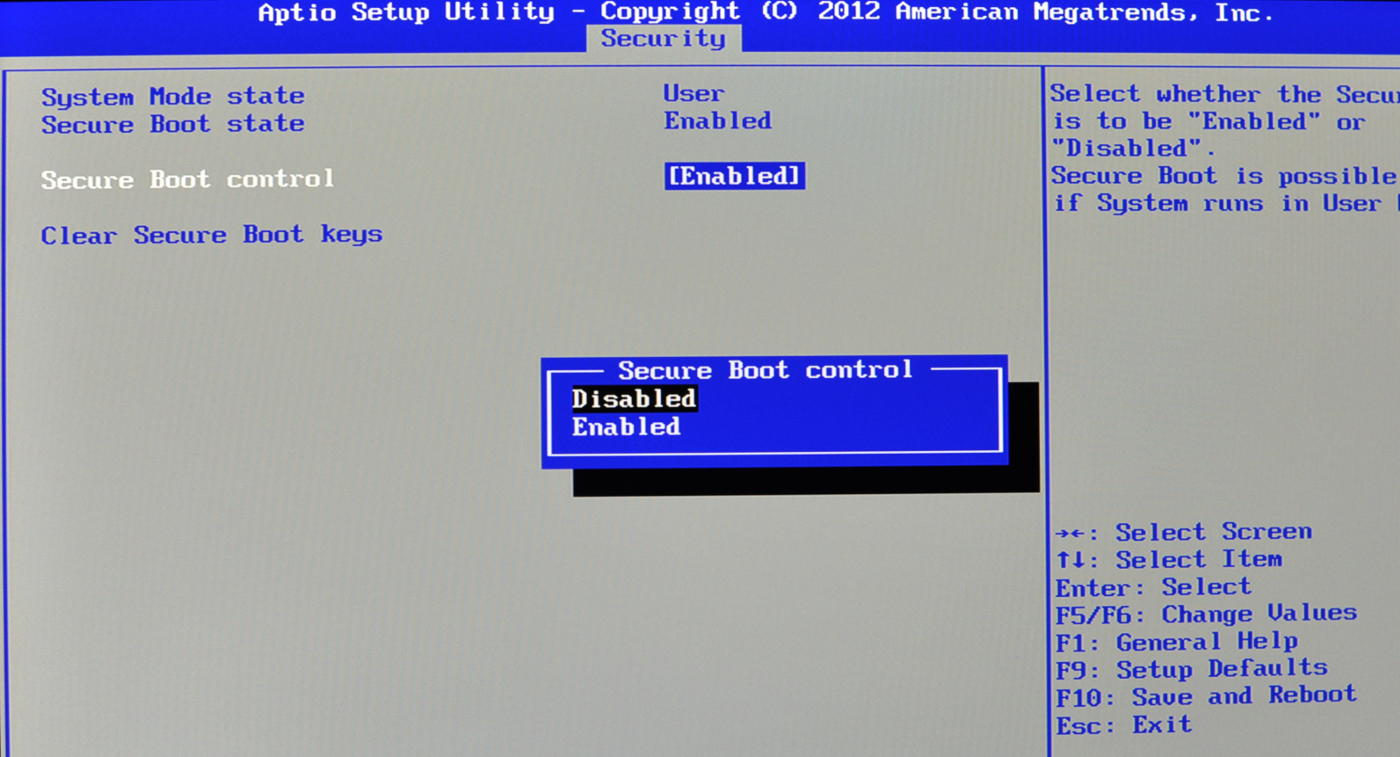
My friend and Mint-chan finally arrived at the place for their date, but at the entrance awaited a doorman named … Acer-san. To go inside they had to show him their reservation, in nerd language “enter the BIOS to enable the F12 Boot Menu for booting from the flash-drive”, but this old-man seemed to have very poor sight!
Normally you do this step on a PC you repeatedly press a key immediately after turning your pc on. Again, my friends Incomprehensible Bad-Luck kicked in, Mint said to try those possibilities: F2, F10 and Delete., After an hour of his failed attempts, and lots of research from my side, the first key he had tried (F2) just worked out of nowhere! To add insult to the injury, the F12 Boot Menu was already enabled! But the flash-drive was not being recognized … because my friend was inserting it on a USB Hub instead of his PC’s USB ports.
Let’s say Acer-san was just trolling the whole time, after laughing enough on the inside he decided to do his job properly and tell my friend he was accidentally hiding the reservation details on his phone with his thumb, so the old man wouldn’t see them. One more unnecessary obstacle surpassed, so nothing could go wrong … right?
Digital Alcohol
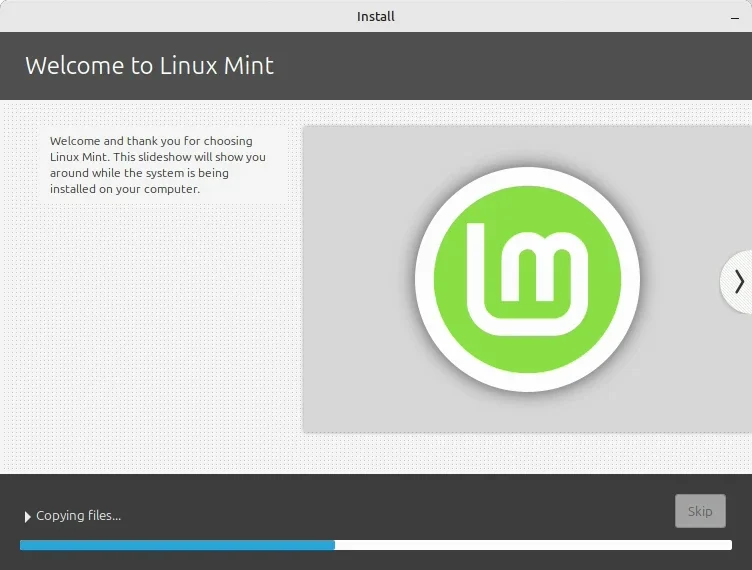
They were finally together where they wanted, having The Date of dates, and my friend was clearly enjoying the moment. His overly-serious demeanor couldn’t hide how everything was nice to him, how Mint-chan was straight-forward without becoming uncomfortable. Since both are adults, they were enjoying the digital drinks nerds call Internet during their date, in between some very direct and sincere talks.
After great moments together he felt he was ready to commit to her, but when he was going to ask her something went terribly wrong: Mint-chan quietly passed out! By some reason no nerd understands to this day, the installation hang at the very end – before the process could finish.
As a man of respect, my friend looked after Mint-chan until she recovered, rebooted in nerd-lish, and patiently started everything over with her. She was embarrassed for not remembering the previous moments because of the alcohol, but with no drinks this time they manage to return to where they were before and he committed: now Mint-chan was part of his life, he had finally installed Linux on his PC became a Linux user.
Until this point I was intentionally taking my distance, just looking from afar while he did most of the work. Outside of the BIOS situation, I only gave small hints and directions to prove a point: anyone can install Linux. But as with a new couple, the true difficulties were about to come.
Clumsy Tool
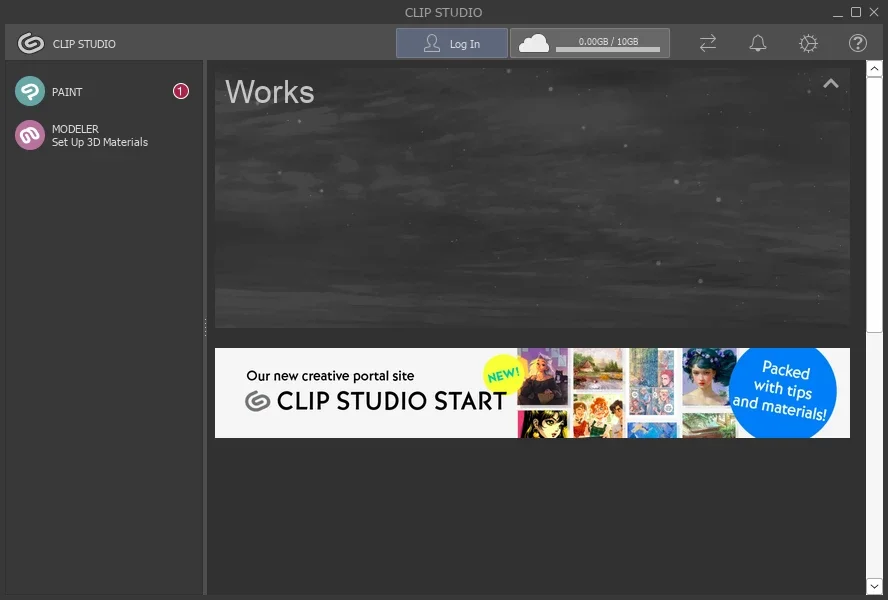
As said at the beginning, my friend is an artist and depends of a specific software to work: Clip Studio Paint, a tool with no native Linux version. This is where I stopped watching from distance, went to help him and his waifu-made-girlfriend Mint to be able work together.
Months before he installed Linux, I myself experimented with Clip Studio and the possible problems he would face, even had a written guide for it. On my tests the main application I use for games, Heroic Games Launcher, showed a better performance than the launcher used before, so I guided him fo follow my tutorial for Manual Installation on Heroic Launcher to install Clip Studio … and forgot half of the steps on the original tutorial.
Only after the installation succeeded but the main tool, Paint, refused to launch, I noticed my mistake and returned to the old tutorial to see the missing steps: use the app settings on Heroic to set Wine’s Windows version to 8.1 (winecfg button), install “allfonts” and “vcrun2019” through Winetricks (winetricks button). After some smaller tricks and tweaks for performance, that helped little (truth be told), Clip Studio was finally up and running. my friend an Mint-chan looked promising together… until the drawing tablet was needed.
Everyone agreed the problem was not on Mint, when testing his Wacom Intuos Draw on a native Linux application – like GIMP – the resources he needed worked properly. But Clip Studio is not a native application, it runs trough a compatibility layer (Wine/Proton) that may not be able to pass the input from the tablet to the program – as was confirmed to be the case in my more than two hours of research. Mint-chan couldn’t help with this tool, because the problem was in intermediary steps outside of the control of anyone on this story, to the tablet only worked as a fancier touch-pad.
It was already late, we were already past 8 hours on this migration to Linux that shouldn’t have lasted more than 2, so the final solution had to wait for the next day: having Windows 10 on a Virtual Machine – as my friend already expected from the beginning.
TL-DR
Recapitulating, without the romance lore I’ve pulled out of my … hat, here are the things you should know before trying Linux:
- downloading the ISO will take some time
- have a flash-drive bigger than the ISO file - the drive’s capacity maybe a lie, a 16GB on spec can be less than 3GB in capacity
- the ISO may fail to be written on the drive - if that happens, delete all files on the drive and try again
- Acer sucks - This brand means suffering
- Plug you flash-drive directly on a USB port
- Offline installations are more guaranteed to work
- Wine/Proton is great for gaming, but suck for artistic tools
Final thoughts, for now
This is only the first part of the story, so there will be more soon. As said before, when helping my friend to switch to Linux it was my intention to prove you don’t need to be a tech-savvy person or any kind of computer genius to do this.
Even with a Lovecraftian bad luck, with things going wrong for him where I never saw them go wrong before, with problems than made absolutely no sense, he managed to install Linux on his own – with my support being mostly redundant, outside of absurdities that I never saw happening with anyone else. I’m proud of him and his example.
Well if you are reading this you are probably a guy, but if you are not that’s no problem: because Linux does not care about gender! If you prefer, you could also see distros as husbandos that you need do charm and commit to, by the same steps detailed before. So fear not, in the Linux world you will never be alone – the anime character of your dreams is waiting for you! :P
See you on the next part of this series.